Removing Line Breaks Online Free
Paste your text on the left. The text without line breaks appears on the right.
How to use the line break remover
Three quick steps. Everything runs in your browser.
Add your text
Type or paste your text into the Your text box.
See the result
The text without line breaks appears right away. On mobile, tap Convert to jump to it.
Copy it
Select Copy text to copy the result to your clipboard.
Example
BeforeThis is the first line.
This is the second line.
This is the third line.
This is the first line. This is the second line. This is the third line.
Good to know
- Every line break is replaced with a single space, so words never stick together. Blank lines and paragraph breaks are removed too.
- Line breaks from Windows, Mac, Linux and mobile devices are all handled, including Unicode line and paragraph separators.
- Chinese and Japanese lines are joined without a space, because these languages do not separate words with spaces.
- Spaces and tabs inside a line stay as they are. Line breaks at the very start or end of the text are removed without adding a space.
Ever copied text from a PDF, website, email, or document only to find awkward line breaks scattered throughout it? Those unexpected breaks can turn a perfectly readable paragraph into a messy collection of short lines. Instead of fixing everything manually, use our free Remove Line Breaks tool to clean up your text in seconds.
Whether you're editing an article, preparing content for a spreadsheet, or organizing notes copied from different sources, this simple online tool helps you turn disorganized text into something easier to work with. No complicated software or tedious editing required.
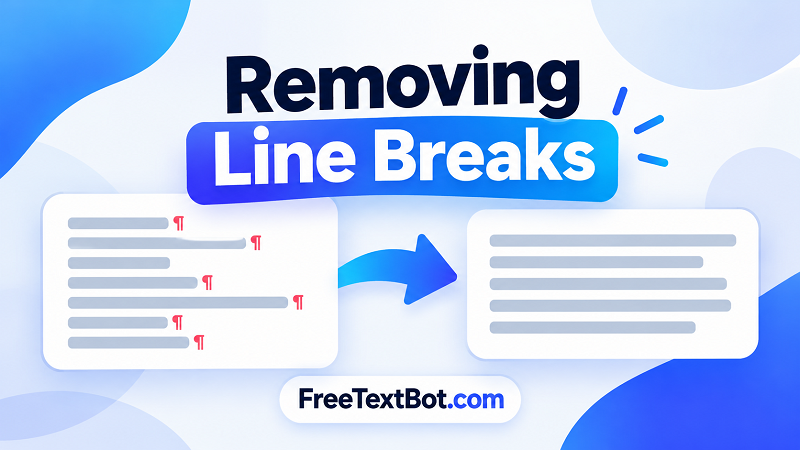
Why Do You Need to Remove Line Breaks?
Unwanted line breaks often appear when copying text from PDFs, scanned documents, online articles, or formatted files. A paragraph that originally flowed naturally may become split across multiple lines, making it difficult to edit, search, or reuse.
These formatting issues can be especially frustrating when working with large amounts of text. Removing line breaks helps restore a cleaner structure, saves editing time, and makes copied content more convenient to use in other applications.
Common situations where this tool comes in handy include:
- Cleaning up copied text: Fix paragraphs broken into separate lines after copying from PDFs or websites.
- Preparing content for spreadsheets: Combine multiple lines into a single line when your workflow requires it.
- Editing articles and documents: Make text easier to revise before publishing or sharing.
- Organizing notes and data: Remove unnecessary breaks from text collected from different sources.
How to Remove Line Breaks in Seconds
You don't need technical skills to get clean text. Our free online tool keeps the process straightforward.
- Paste your text into the input box. You can use text copied from a document, website, email, or another application.
- Choose how to handle line breaks. Depending on the available options, you can replace breaks with spaces or remove them entirely.
- Process your text and review the result to make sure the formatting looks right.
- Copy the cleaned text and paste it wherever you need it.
That's it. No need to open a word processor and delete every unwanted line break one by one.
Removing Line Breaks Without Losing Readability
Removing line breaks isn't always the same as deleting every newline character. Sometimes, you want to join a paragraph into one continuous line. In other cases, you need to preserve spaces between words so the text remains readable.
For example, consider this text:
Online tools make editing easier.
You can clean up copied text in seconds.
After removing the line break between the sentences, the result should read: "Online tools make editing easier. You can clean up copied text in seconds."
Choosing the right replacement method matters. Removing a line break without adding a space can accidentally join two words together, while replacing every break with a space may not be appropriate for structured data. Always review the output before using it.
A Free, Simple Way to Clean Up Text
Formatting shouldn't slow down your work. With FreeTextBot, you can remove unwanted line breaks online and prepare text for editing, publishing, or everyday tasks without paying for a dedicated application.
Whether you need to fix a few copied sentences or process a longer block of text, this tool offers a quick way to get started. Paste your content, choose the appropriate line-break handling option, and get cleaner text ready for its next destination.
Ready to tidy up your text? Use the free tool above and spend less time fixing formatting and more time getting things done.