Text Repeater Online Free
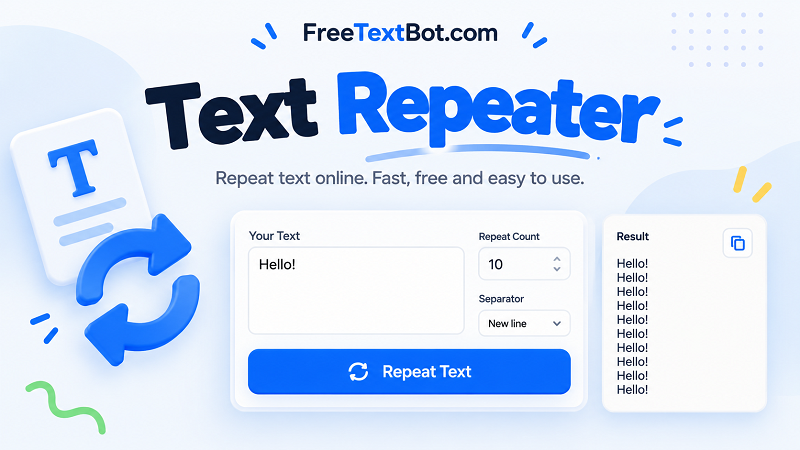
Paste your text on the left, set the options, and the repeated text appears on the right.
How to use the text repeater
Four quick steps. Everything runs in your browser.
Add your text
Type or paste the text you want to repeat into the Your text box.
Set the repeats
Enter how many times the text should repeat in Number of repeats.
Pick a separator
Choose New line or type your own characters. The result updates right away. On mobile, tap Convert to jump to it.
Copy it
Select Copy text to copy the result to your clipboard.
Example
Before (repeat 3 times, separator: comma and space)Hello
AfterHello, Hello, Hello
After (repeat 3 times, separator: new line)Hello
Hello
Hello
Good to know
- With New line, each copy starts on its own line. With Custom, the characters you type are placed between copies.
- The separator goes only between copies, so the result never ends with an extra separator.
- Spaces in your custom separator are kept exactly as you type them.
- You can repeat text up to 100,000 times. Very large results are shortened to keep your browser fast.
Repeat Text Online Without the Boring Busywork
Ever needed to type the same message 20 times? Or wanted to turn a single word, phrase, or emoji into a long string without spending your afternoon hitting Ctrl+C and Ctrl+V? That's exactly what a text repeater is for. FreeTextBot makes it easy to repeat text online in seconds, whether you're creating repeated messages, formatting content, testing text layouts, or just having a little fun with words.
How Does a Text Repeater Work?
It's ridiculously simple. Enter the text you want to repeat, choose how many times it should appear, and generate your result. Instead of manually duplicating the same content over and over, you get a ready-to-use output in moments. Need five copies? Done. Need 100? No problem. You stay in control of the repetition count, so the result matches what you're trying to create.
Our online text repeater is designed for people who want results, not another complicated tool to figure out. There's no need to install software, create an account, or wrestle with unnecessary settings. Just enter your text, adjust the options, and copy the finished result wherever you need it.
More Than Just Repeating Words
A text repeater can be useful in more situations than you might expect. You can duplicate a sentence for testing, generate repeated lines for documents, create placeholder content, or prepare strings for development and design projects. It also works with short phrases, symbols, and emoji, making it handy for playful messages and social content.
Looking for a text repeater for WhatsApp or Instagram? You can generate repeated text here and copy the result into your preferred app. Whether you're preparing a series of identical messages or creating a long sequence of characters, the goal is the same: spend less time typing and more time getting things done.
You can also use a repeat text generator when you need consistent output for demonstrations, mockups, or other everyday tasks. Instead of repeating the same action manually, let the tool handle the repetitive part.
Your Text, Your Rules
Not every project needs the same output. Sometimes you want each repetition on a new line. Other times, you need everything separated by spaces, commas, or no separator at all. The right formatting can make a big difference when you're copying text into another application or working with a specific layout.
FreeTextBot keeps the process straightforward. Choose your text, set the repetition count, generate the output, and copy it when you're ready. For longer results, make sure your repetition count matches your needs so the generated text remains manageable.
A Free Text Repeater, Ready When You Are
Why make a simple task harder than it needs to be? FreeTextBot gives you a practical way to repeat text online without unnecessary steps. Whether you call it a text repeater tool, a repeat text generator, or simply a faster way to duplicate words, the purpose is clear: turn a small input into repeated text with minimal effort.
Try it whenever repetitive typing gets in your way. A few clicks are all it takes to create your text and get back to what matters.