Free Sentence Case Converter
Paste your text on the left. The sentence case result appears on the right.
How to use the sentence case converter
Three quick steps. Everything runs in your browser.
Add your text
Type or paste your text into the Your text box.
See the result
The sentence case version appears right away. On mobile, tap Convert to jump to it.
Copy it
Select Copy text to copy the result to your clipboard.
Example
BeforeHELLO WORLD. this IS a TEST! i love TEXT tools.
AfterHello world. This is a test! I love text tools.
Good to know
- The first letter of every sentence and every new line is capitalized, and all other letters become lowercase.
- The language is detected from your text, so rules like the English "I" or Turkish İ and ı are applied only where they belong.
- Names of people, places and brands are not detected, and German nouns stay lowercase. Check them after converting.
- Writing systems without capital letters, such as Chinese, Japanese, Korean, Hindi, Arabic and Thai, are left unchanged.
Convert text to sentence case online for free with FreeTextBot. Turn ALL CAPS or inconsistently capitalized text into a cleaner, more readable format in seconds. Simply enter your text, convert it, and copy the result. No complicated steps—just fast, easy text formatting.
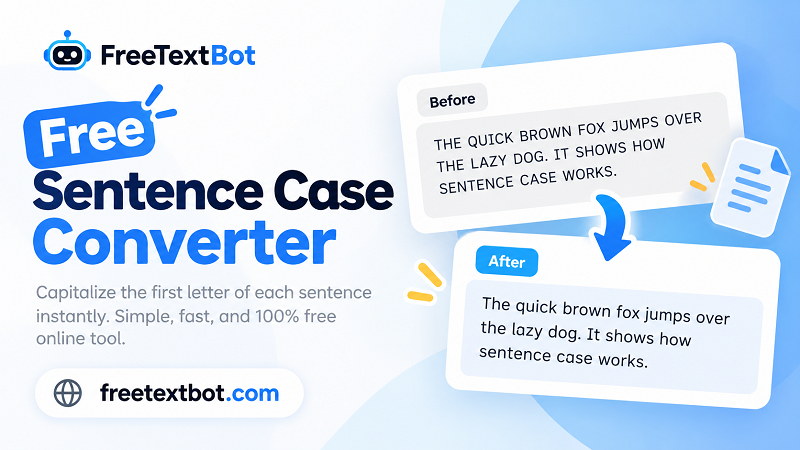
What Is Sentence Case?
Sentence case capitalizes the first word of each sentence while keeping most other words lowercase. Proper nouns, acronyms, and words that require capitalization retain their standard forms.
Example:
Before: HOW TO IMPROVE YOUR WRITING SKILLS
After: How to improve your writing skills
How to Use the Sentence Case Converter
- Paste or type your text into the input box.
- Select the Sentence Case option.
- Review the converted text and copy the result.
Sentence Case vs. Title Case
Sentence case capitalizes the first word of a sentence, while title case capitalizes most major words in a heading.
- Sentence case: How to improve your writing skills
- Title case: How to Improve Your Writing Skills
Use sentence case for straightforward headings, descriptions, and everyday content. Choose title case when your publication or style guide calls for it.