Free Uppercase Converter
Paste your text on the left. The uppercase result appears on the right.
How to use the uppercase converter
Three quick steps. Everything runs in your browser.
Add your text
Type or paste your text into the Your text box.
See the result
The uppercase version appears right away. On mobile, tap Convert to jump to it.
Copy it
Select Copy text to copy the result to your clipboard.
Example
BeforeHello world. this IS a test!
AfterHELLO WORLD. THIS IS A TEST!
Good to know
- Every lowercase letter becomes uppercase. Numbers, spaces, punctuation and line breaks stay the same.
- Accented letters are supported, for example é becomes É and đ becomes Đ. Turkish text is detected, so i becomes İ and ı becomes I.
- The German letter ß becomes SS. Writing systems without capital letters, such as Chinese, Japanese, Korean, Hindi, Arabic and Thai, are left unchanged.
Need to make your text stand out? Our free uppercase converter makes it easy to transform ordinary text into UPPERCASE in just a few clicks. Whether you're working on a document, creating a headline, formatting a social media post, or preparing content for a project, this simple online tool helps you get the results you need without wasting time. Just enter your text, convert it instantly, and copy the finished version wherever you want to use it.
What Is an Uppercase Converter?
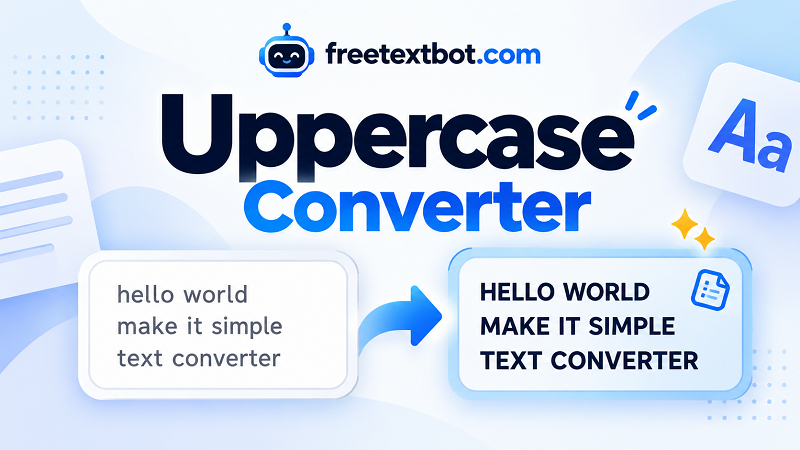
An uppercase converter is a tool that changes lowercase letters into capital letters. For example, "hello world" becomes "HELLO WORLD," and "make your text stand out" becomes "MAKE YOUR TEXT STAND OUT." The words stay the same, but the letter formatting changes. This is useful when you need consistent capitalization across titles, labels, headings, announcements, or other types of written content.
Instead of editing every letter manually, you can transform an entire sentence, paragraph, or longer block of text at once. It's a practical shortcut for students, writers, professionals, developers, and anyone who works with text regularly.
How to Convert Text to Uppercase
Using the tool is straightforward. First, type your text into the input box or paste content you've already written. Next, select the uppercase conversion option to turn lowercase letters into capital letters. Once the conversion is complete, review your text and copy the result to your clipboard. You can then paste it into an email, document, spreadsheet, website, presentation, or another application.
When you frequently need to change lowercase text to uppercase, a dedicated tool saves time and eliminates repetitive manual editing. You can focus on your actual work instead of correcting capitalization one character at a time.
When Should You Use Uppercase Text?
Capital letters can be useful in many everyday situations. They help create bold-looking headings, draw attention to short announcements, standardize product labels, and make certain text elements easier to distinguish. You might also need uppercase formatting when preparing codes, identifiers, form entries, or content that follows specific capitalization requirements.
However, uppercase text isn't always the best choice for every situation. Long passages written entirely in capital letters can be harder to read, especially on screens. For regular paragraphs, sentence case or standard capitalization is usually more comfortable. Use capital letters strategically when you want emphasis, consistency, or a particular visual style.
A Simple and Convenient Text Formatting Tool
Why spend extra time changing letters manually when you can do it in seconds? This free online tool gives you a convenient way to format text whenever you need it. Whether you're converting a few words or an entire paragraph, the process stays simple: enter your text, transform it, and copy the result.
From everyday writing tasks to website content and professional documents, a straightforward text converter makes formatting easier and more efficient. Get your text ready in moments and get back to what matters.