Binary to Text Converter Online Free
Paste your binary code on the left. The text appears on the right.
How to use the binary to text converter
Three quick steps. Everything runs in your browser.
Add your binary
Paste your binary code into the Binary code box. Spaces, commas and line breaks between groups are fine.
See the text
The readable text appears right away in the output box. On mobile, tap Convert to jump to it.
Copy it
Select Copy text to copy the text to your clipboard.
Example
Before01001000 01101001
AfterHi
Good to know
- The binary is read in groups of 8 digits (one byte each) and decoded as UTF-8 text.
- Spaces, commas and line breaks between groups are ignored, and binary without separators works too when its length is a multiple of 8.
- Only 0 and 1 are allowed. If something does not look right, a short message explains what to fix.
- To turn text into binary code, use the Text to Binary converter.
Got a string of zeros and ones that looks like a secret message? Turn it into readable text with our free binary to text converter. Whether you're decoding a message, studying computer science, or checking binary data for a project, this tool makes the process quick and straightforward. Paste your binary code, run the conversion, and discover what those digits represent.
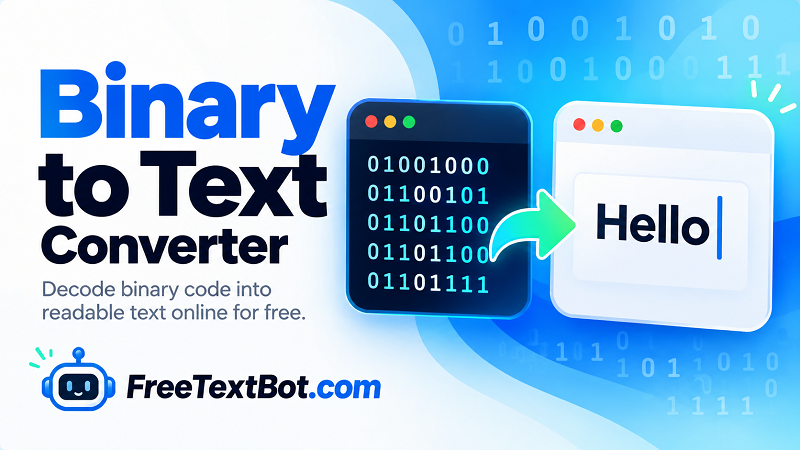
Decode Binary Code into Readable Text
Binary is a number system that uses only two digits: 0 and 1. Computers use binary representations to store and process information, including text. To read binary data as words or sentences, the bits must be interpreted using the appropriate character encoding.
Our online tool works as a binary code translator, helping you transform supported binary sequences into readable characters without manually looking up each value. Instead of decoding long strings bit by bit, you can let the converter handle the process and focus on understanding the result.
How to Use This Binary Translator Online
Decoding binary doesn't have to feel like solving a puzzle with half the pieces missing. Follow these simple steps:
- Copy the binary sequence you want to decode.
- Paste it into the input field.
- Click the convert button to translate the binary data.
- Read, copy, or reuse the resulting text as needed.
This binary translator online is useful for students, developers, educators, and anyone curious about how computers represent written information. It can also help you inspect binary examples used in tutorials, programming exercises, and digital communication demonstrations.
What Is a Binary Language Translator?
A binary language translator converts binary values into a representation that people can understand, provided the input follows a supported encoding format. In text conversion, groups of bits correspond to character values. For example, the eight-bit sequence 01000001 represents the uppercase letter A in ASCII-compatible encoding.
Not every binary sequence produces meaningful words. The result depends on how the data was encoded, how the bits are grouped, and whether the input contains valid character values. If the output looks incorrect, check for missing digits, extra spaces, or an encoding mismatch.
Convert Binary to English Text
Looking for a binary translator to English? The converter can display readable English when the binary input represents English text using a compatible character encoding. It can also decode supported characters from other languages when the encoding allows them. Binary itself is not a language; it is a way of representing data.
Use the tool whenever you need to binary convert to text without performing manual calculations. This binary to text converter online offers a convenient starting point for learning, experimenting, and working with binary strings.
Decode Your Binary Message
Ready to find out what your binary code says? Enter your sequence above and convert it into readable text in just a few clicks. Whether it's a short sample or a longer message, you can explore the meaning behind those zeros and ones without the tedious manual work.