Free Lowercase Converter
Paste your text on the left. The lowercase result appears on the right.
How to use the lowercase converter
Three quick steps. Everything runs in your browser.
Add your text
Type or paste your text into the Your text box.
See the result
The lowercase version appears right away. On mobile, tap Convert to jump to it.
Copy it
Select Copy text to copy the result to your clipboard.
Example
BeforeHELLO WORLD. This IS a TEST!
Afterhello world. this is a test!
Good to know
- Every uppercase letter becomes lowercase. Numbers, spaces, punctuation and line breaks stay the same.
- Accented letters are supported, for example É becomes é and Đ becomes đ. Turkish text is detected, so İ becomes i and I becomes ı.
- Writing systems without capital letters, such as Chinese, Japanese, Korean, Hindi, Arabic and Thai, are left unchanged.
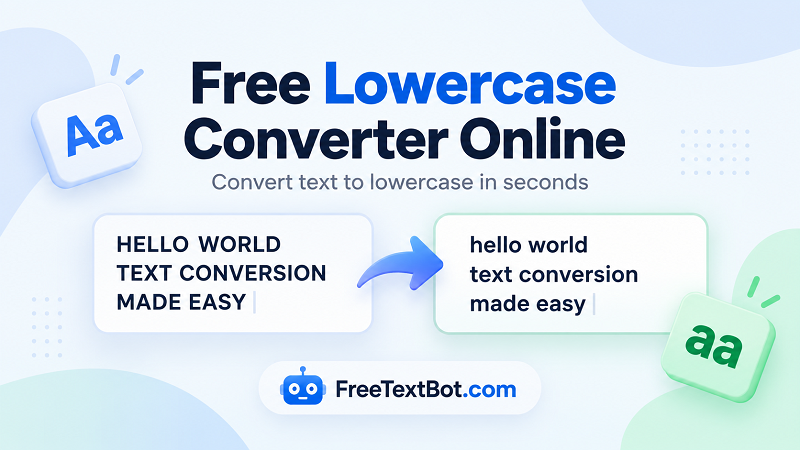
Need to change uppercase text to lowercase? FreeTextBot's free lowercase tool makes it easy. Paste your text, convert it in seconds, and copy the result. No need to edit each letter manually.
How to Convert Text to Lowercase
Use this lowercase online tool in three simple steps:
- Paste or type your text into the input box.
- Click the convert button to change uppercase letters to lowercase.
- Copy your converted text and use it wherever you need.
Convert Uppercase Text in Seconds
Whether you've typed a paragraph in all caps or need consistent formatting for a document, email, or website, this tool helps you convert text to lowercase without the hassle. It works with short phrases and longer passages, making everyday text editing faster and easier.
What Does All Lowercase Mean?
Lowercase letters are the smaller forms of letters, such as a, b, and c, while uppercase letters are A, B, and C. Converting text to lowercase changes uppercase letters into their lowercase forms while generally preserving numbers, punctuation, and the original wording.
Can I Convert Text to Lowercase for Free?
Yes! FreeTextBot lets you convert text to lowercase online for free. Whether you search for a lowercase converter, a lower case online tool, or a way to change text to lower case, you can format your text in just a few clicks.
Need to reverse the process? Use an uppercase converter to turn lowercase letters into uppercase.