Free Title Case Converter
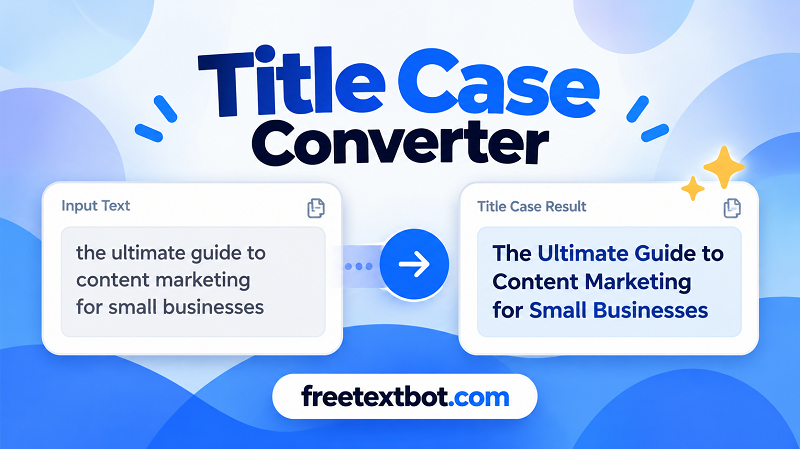
Paste your text on the left. The title case result appears on the right.
How to use the title case converter
Three quick steps. Everything runs in your browser.
Add your text
Type or paste your text into the Your text box.
See the result
The title case version appears right away. On mobile, tap Convert to jump to it.
Copy it
Select Copy text to copy the result to your clipboard.
Example
Beforethe lord of the rings: a TALE of two towers
AfterThe Lord of the Rings: A Tale of Two Towers
Good to know
- The first letter of every main word is capitalized and the rest of each word becomes lowercase. Hyphenated words are capitalized part by part.
- Small words such as a, an, the, and, of, in and to stay lowercase, except at the start or end of a title and after a colon (AP style).
- The language is detected from your text. Small-word rules cover English, Spanish, French, Portuguese, Italian, German and Indonesian. Other languages capitalize every word.
- Acronyms such as NASA become Nasa, and German nouns are not detected. Check these after converting. Writing systems without capital letters are left unchanged.
Great titles make a difference. Whether you're writing a blog post, crafting an article headline, preparing a school assignment, or polishing a professional document, consistent capitalization helps your text look clean, readable, and ready to share. Our title case converter makes it easy to transform ordinary text into properly capitalized titles in seconds. Simply enter your text, convert it, and get a polished result without manually editing every word.
Capitalize Titles Without the Busywork
Why spend time fixing capitalization one word at a time when a simple tool can do the heavy lifting? This free online tool helps you capitalize headings, headlines, article titles, and other text with just a few clicks. Whether you're starting with lowercase text, mixed capitalization, or an entire paragraph in uppercase, you can quickly turn your text into a more consistent format. If you've been searching for a reliable title caps converter, this tool gives you a straightforward way to clean up your titles without complicated settings or unnecessary steps.
Get More Consistent Title Capitalization
Title capitalization can be trickier than it looks. Major words are typically capitalized, while shorter words such as articles, conjunctions, and prepositions may follow different rules depending on the style guide you're using. For example, deciding whether to capitalize and in title text can depend on the applicable capitalization convention. The same goes for determining how to capitalize as in title formatting when you're working with small connecting words. A title case tool helps you apply a consistent format quickly, saving time when you have multiple headings or a long list of titles to prepare. For academic papers, publications, or brand content with strict style requirements, review the final result against your preferred style guide.
Convert Text to Title Case Online
Need a quick way to format text without installing software? Use this title case online tool directly in your browser. An online title case converter is especially useful when you're switching between projects, editing content on different devices, or working with text copied from documents, spreadsheets, and websites. You can convert text to title case before adding it to a blog, content management system, presentation, email subject line, or report. The process is simple: paste your text into the tool, apply the conversion, and copy the result wherever you need it.
Fix Headings, Headlines, and Uppercase Text
Writers, students, marketers, and editors all work with titles in different formats. If your text looks inconsistent, you can use the converter to capitalize words in title text more efficiently. It is also handy when you need to change text from ALL CAPS to a more readable heading style. Instead of retyping everything, convert all caps to title case and give your content a cleaner appearance. Think of it as a quick formatting reset for titles that need a little polish.
A Simple Title Case Checker for Everyday Writing
Good formatting should make your workflow easier, not slower. This tool can help you review the capitalization of headings before publishing, submitting an assignment, or sharing a document. Use it as a practical title case checker when preparing multiple titles and keeping your content visually consistent. For the best results, remember that capitalization rules can vary between AP, APA, MLA, and general editorial styles. A quick review after conversion helps ensure your title matches the requirements of your project.
Ready to give your titles a cleaner look? Paste your text into the FreeTextBot Title Case Converter and turn inconsistent capitalization into polished, professional-looking headings in just a few clicks.