Text to Binary Converter Online Free
Type or paste your text on the left. The binary code appears on the right.
How to use the text to binary converter
Three quick steps. Everything runs in your browser.
Add your text
Type or paste your text into the Your text box. It can be a single letter, a sentence, or many lines.
See the binary
The binary code appears right away in the output box. On mobile, tap Convert to jump to it.
Copy it
Select Copy text to copy the binary code to your clipboard.
Example
BeforeHi
After01001000 01101001
Good to know
- Each character is converted to 8-bit groups using UTF-8, and the groups are separated by a single space.
- Letters, numbers, symbols, accented letters and emojis are supported. Characters outside basic English use more than one group of 8 digits.
- Spaces and line breaks are converted too. A space is 00100000 and a line break is 00001010.
- To turn binary code back into text, use the Binary to Text converter.
Ready to turn ordinary text into a stream of zeros and ones? Our free text to binary converter makes it easy to encode letters, words, and entire messages into binary code in seconds. Whether you're learning how computers represent information, working on a programming project, or creating a coded message for fun, this tool keeps the process simple. Enter your text, convert it, and copy the result. No manual calculations required.
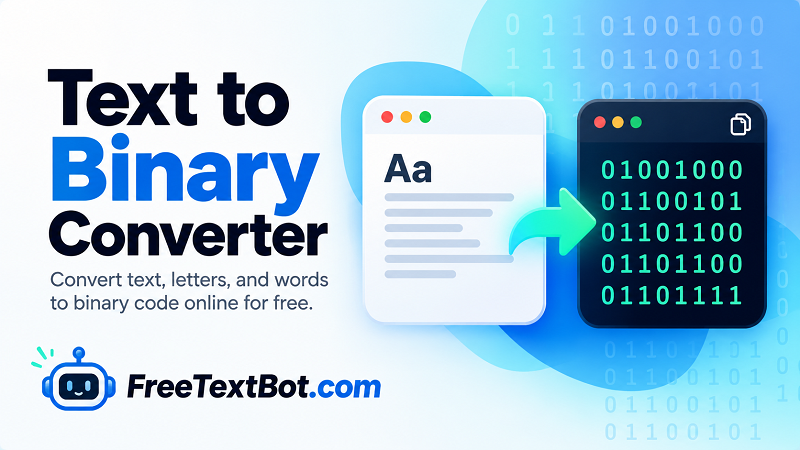
Convert Text to Binary Code Online
Binary is a number system that uses just two digits: 0 and 1. Computers rely on binary representations to process and store information, while people communicate through letters, numbers, punctuation, and symbols. A text to binary encoder bridges these two worlds by converting text into binary values according to a character encoding.
Our online tool helps you convert text to binary without looking up individual character codes or installing extra software. Paste a sentence, enter a single character, or provide a longer message to generate its binary representation. It's a practical way to explore binary notation and see how familiar text can be represented digitally.
How to Use This Text to Binary Translator
You don't need a computer science degree to get started. Follow these simple steps:
- Type or paste your text into the input field.
- Select your preferred encoding options, if available.
- Click the convert button to generate the binary output.
- Copy the result and use it for your studies, coding exercises, or personal projects.
This text to binary translator is useful for students, developers, educators, and curious minds who want a quick way to encode text. You can translate text to binary for a classroom exercise, test character representations, or experiment with how different messages look in binary form.
Convert Letters and Words into Binary
Want to see how a single letter looks in binary? The letter to binary conversion process represents each character using a sequence of bits. For example, the uppercase letter A is represented as 01000001 in 8-bit ASCII-compatible binary.
The same principle applies when converting words to binary. Each character is encoded according to the selected character encoding, and spaces or punctuation may also contribute to the final output. Different encoding methods can produce different results, especially for accented characters and text in languages other than basic English.
A Simple Way to Explore Binary Code
Forget tedious character-by-character conversion. This tool gives you a convenient starting point for exploring binary, preparing educational examples, and experimenting with digital text representation. Whether you're tackling a programming assignment or simply curious about the language of computers, you can get started right away.
Enter your text above and turn it into binary code. Your next sequence of zeros and ones is just one click away.